Address
Housewarming website
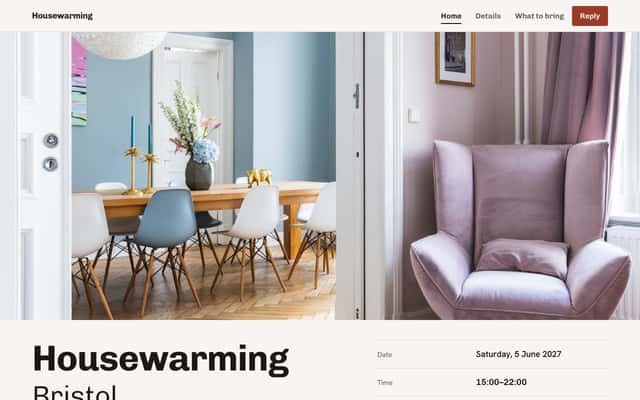
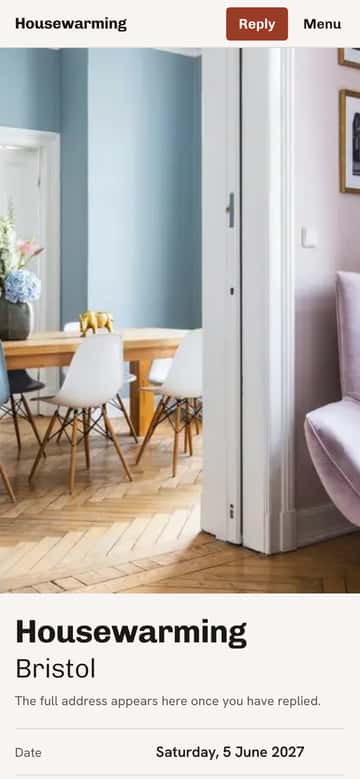
Your new address as the headline, under a large interior photo, like a listing for a design-led home.
The whole site with a sample event. Replies in the demo are not sent.
Colours
Pick one, or your own colour.
- Plaster
- Teal
- Night
Try it with your details. What you type stays in this browser.
About Address
Address takes its cue from the listings of estate agents who sell design-led homes in London, Copenhagen and Amsterdam. A large interior photo runs edge to edge; below it comes a fine address line, never in capitals, with a neat table of details beside it: the date and the hours. Before a guest replies, only the city shows; after replying, the guest sees the street and number.
At a housewarming, the first thing a guest asks is where, which floor and which bell. Address suits a host in a city flat who wants the address and the arrival to be clear. Once a guest has replied, the full address, a directions link and your arrival note appear together.
The menu holds Reply, Details and What to bring, then Photos and Guest book after the day; the wish list and smaller topics sit on the home page. On a phone the menu opens as a full-screen window; on a computer the pages are tabs on the right.
Questions about Address
What is the arrival note?
A short note you write for arriving guests, such as the floor, the bell or how to get through the gate. With the address lock on, it appears, like the full address, only after a guest has replied.
Which colours does Address offer?
Plaster, Teal and Night, a dark scheme. You can also choose your own accent colour; it is adjusted where needed so the text stays readable.
Can we add a wish list?
Yes, if you want one; nothing is imposed. The wish list starts as a block on the home page, and you can give it its own page in the menu.
Two more designs for the same occasion.
See all designs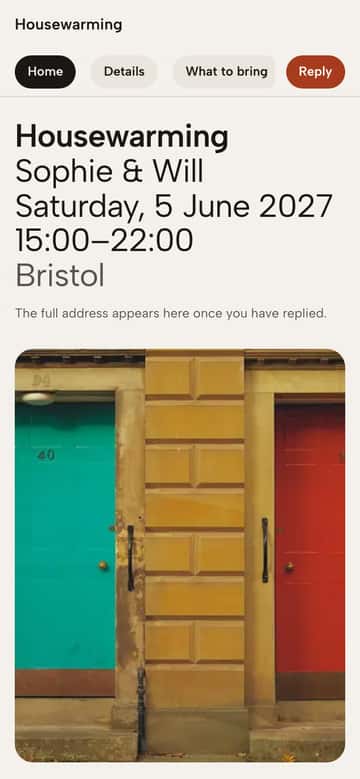 Open houseWhat, who, when, which hours and where, in five lines of the same size.
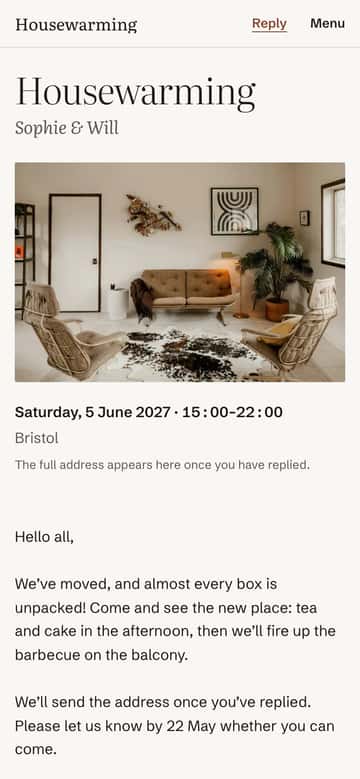 InteriorA fine serif headline over a photo of your home, with the details beside it like a caption.
Also for this occasion