Corporate event invitations
professional, end to end.
A launch, an offsite, a client dinner: one page carries the invitation, the agenda and the RSVPs, with the controls a company event actually needs.
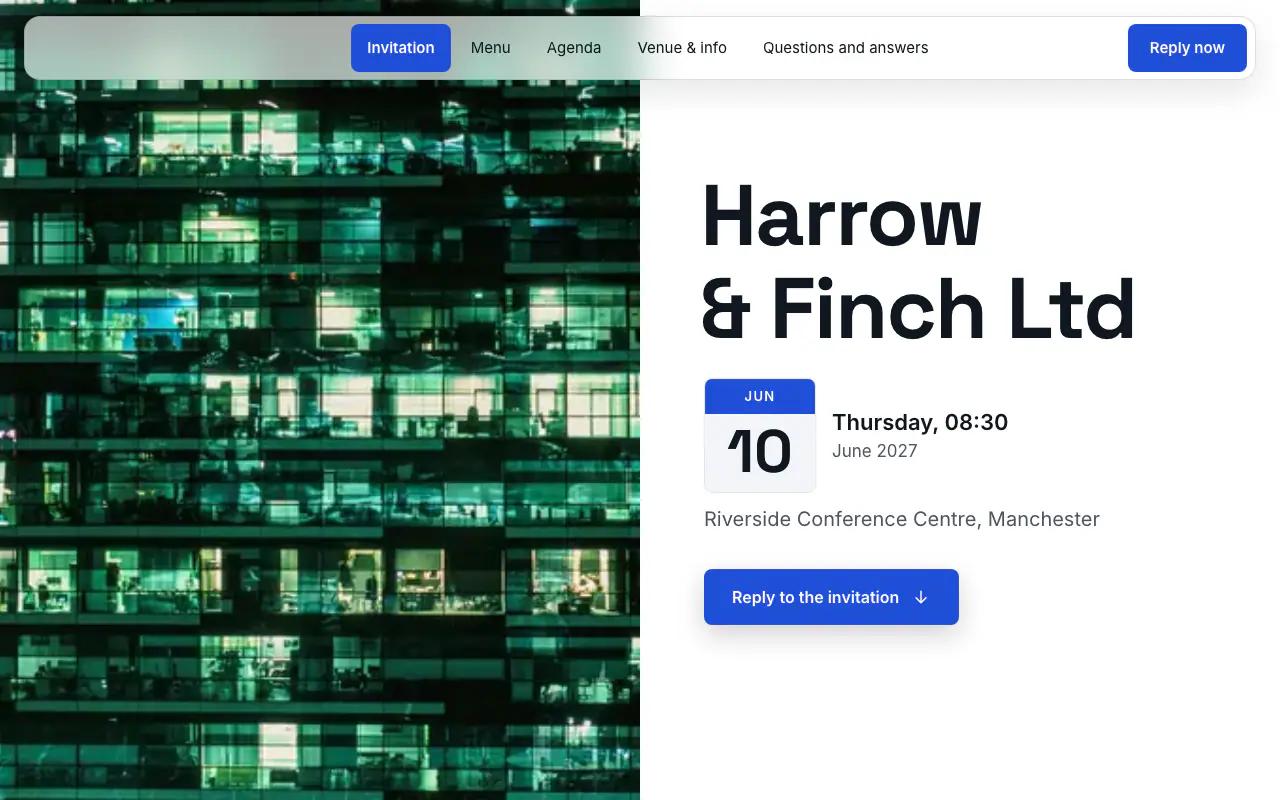
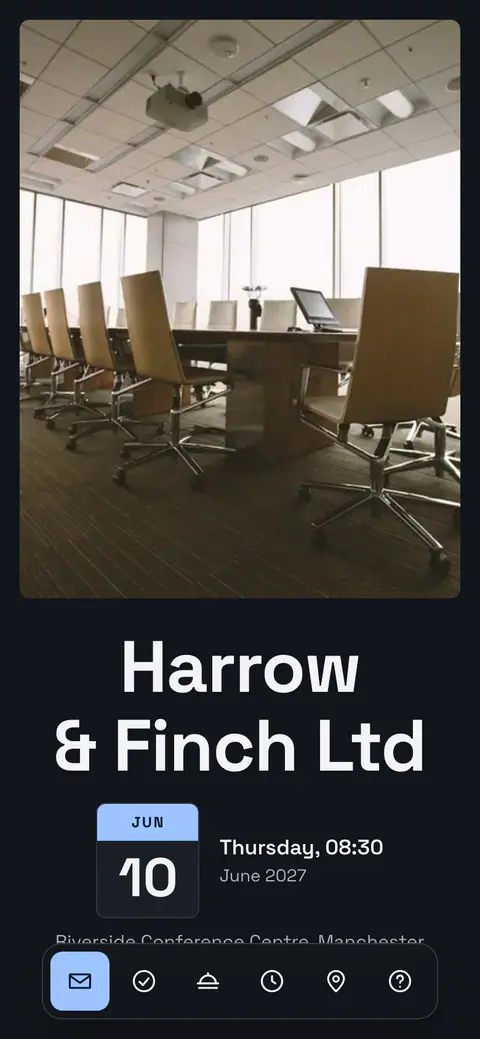
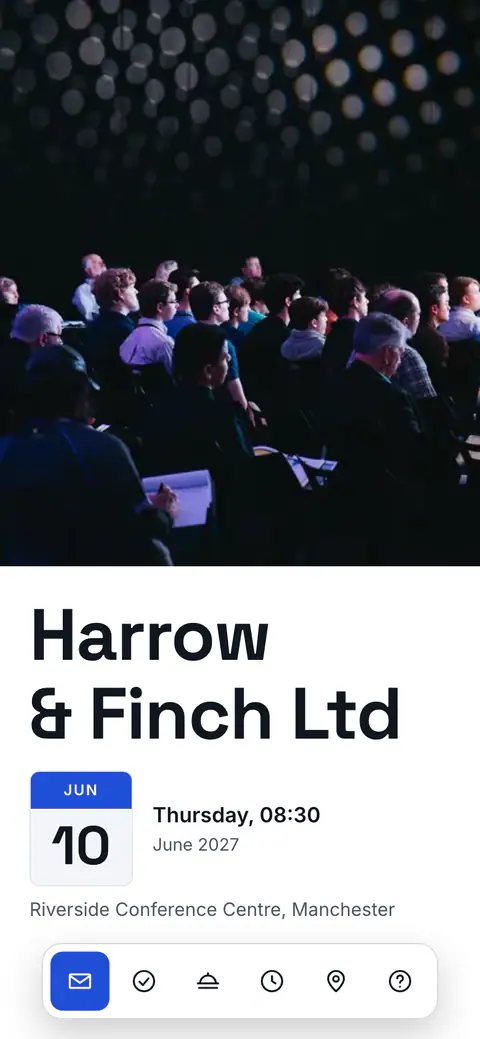
The corporate event design
Northline Forum
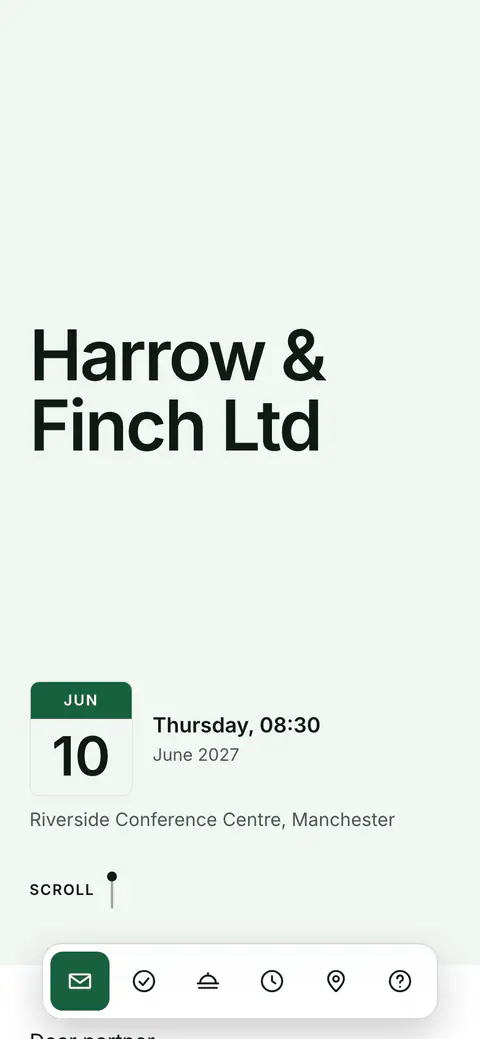
Without a photo, the cover carries your company’s logo and name. The programme, venue and partner sections are ready for you to fill in.
Scroll the page and try replying.
What comes with the invitation
- Serious design, no clip-art
- Northline Forum is restrained and typographic, at home next to your brand, in four style sets: Northline Forum, Evergreen, Burgundy and Graphite.
- Run it as a team
- Invite colleagues with edit or view roles so the guest list, the agenda and the numbers are managed together, not in someone’s inbox.
- Agenda and Q&A
- The guest page carries the programme, directions and a Q&A, so attendees stop emailing the organiser the same three questions.
- Control and compliance
- RSVP deadlines, capacity limits and an optional PIN keep the list exact and the event private, with data hosted in the EU under GDPR.
Corporate event invitations: a headcount you can give the venue
For an internal event in working hours, three to four weeks’ notice is enough; a client evening, a conference or anything with travel needs six to eight. The Christmas party is the exception: venues book up early, so a save the date in early autumn and the invitation a month or two before is ordinary practice. Send it from a name people recognise, a director or the team, rather than a faceless mailbox. The invitation is a working document as much as a courtesy, with a finish time, the dress code and whether partners are included, and corporate invitation wording has it for every kind of event.
Most wrong headcounts start with an invitation that gets forwarded. A corporate event in Vowly Event starts with each attendee replying for themselves, the guest list shows each person’s company, and the invited-guests-only setting means the shared link and QR code take no replies, so only the people you sent a personal link to can answer. A capacity counts people and can keep a waiting list once the room is full. Corporate event RSVPs covers getting from replies to a number the caterer can rely on.
Ask what the event needs to know and nothing more: dietary requirements and allergens with the reply, and up to five questions of your own, such as access needs, a session choice or the shuttle bus. The answers land in each person’s reply and in the totals. The event’s data is stored in the EU, the invitation can carry the company logo, and colleagues can run the guest list with you as co-hosts, organisers or viewers (team invites need a paid subscription, outside the trial).
Questions before you start
Can only the people we invite reply?
Yes. On corporate events the invited-guests-only setting stops the shared link and the QR code taking replies: they show the design and a note that the invitation is personal. Each attendee replies from their own link, and a forwarded email cannot add a name to your list. The setting itself is free.
Can we limit numbers and keep a waiting list?
Yes. Set a capacity and the reply form closes when the number of people coming reaches it; turn on the waiting list and later replies queue instead of being turned away. Nobody moves up automatically: you choose who gets the place. Setting a limit needs Premium or the 14-day trial.
How do we ask about dietary and access needs?
In the reply itself. Attendees add dietary notes when they answer, and you can add up to five questions of your own, yes or no, one choice, several choices or a short answer. The answers appear in each reply and as totals, and the owner can have them emailed as a spreadsheet on Premium (the export is not part of the trial).
Can colleagues manage the guest list with us?
Yes. The event owner invites colleagues by email as co-hosts, organisers who manage guests, or viewers who can only look. Each uses their own free account and sees only the events they are invited to. Inviting a team needs a paid subscription; it is not included in the trial.
Can I send the invitation on WhatsApp?
Yes. The invitation is a web link, so it goes into a group chat or to each guest like any other link, with a preview of the card. The same link works by email and as a printed QR code.
Do guests need an app?
No. Guests open the link in any browser, in their own language, and reply there with their party size and dietary notes. There is nothing to install and no account to create.
What is free, and what is paid?
Designing the invitation and planning the event are free with no time limit: every design, unlimited events. Publishing the link, collecting replies and the guest site are the paid side, from €7.99 a month or €39.99 a year, with 14 days to try it. Emailing guests, the print-ready QR code, team invites, export and a custom link address belong to the subscription itself, as do the guest site’s outside links (live stream, places to stay, gift list) and bank details.
From save-the-date to final headcount
Share one link with the team or the client list and watch confirmations, dietary notes and numbers arrive in real time.
Ready when
you are.
Create your first invitation in minutes. Planning is free with no time limit; try the guest side free for 14 days, on iPhone, Android or right in your browser.
