Graduation invitations
earned, and celebrated.
Years of work deserve better than a group text. Build a proper invitation in minutes, share one link, and give family the full plan for the day.
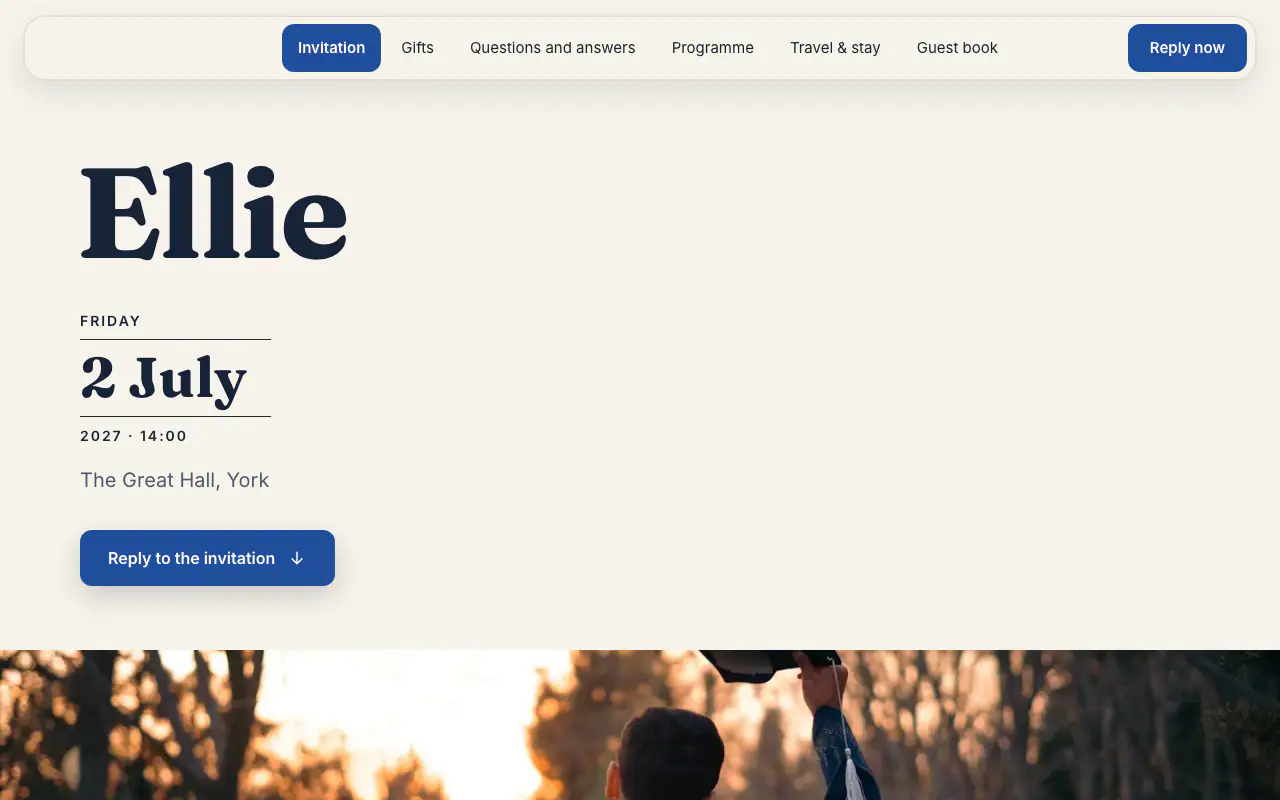
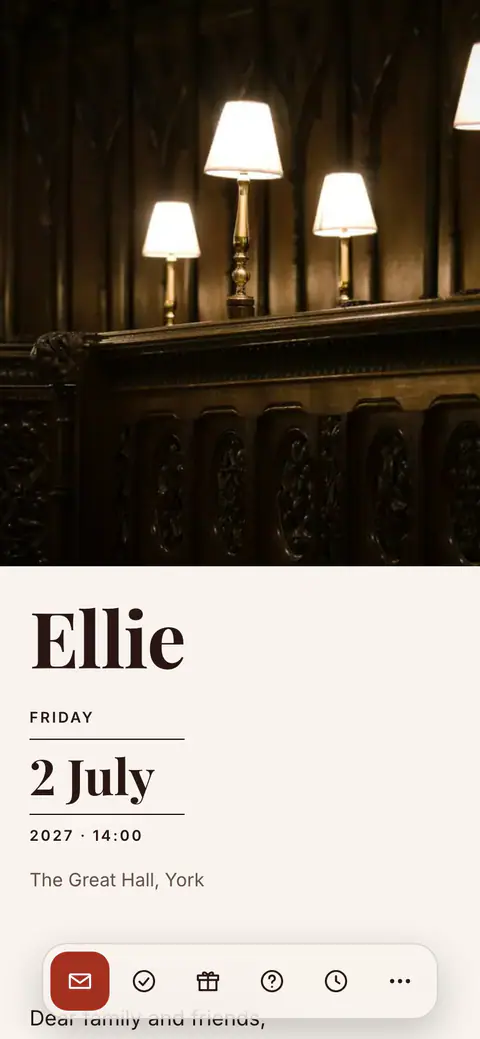
The graduation design
Mortarboard
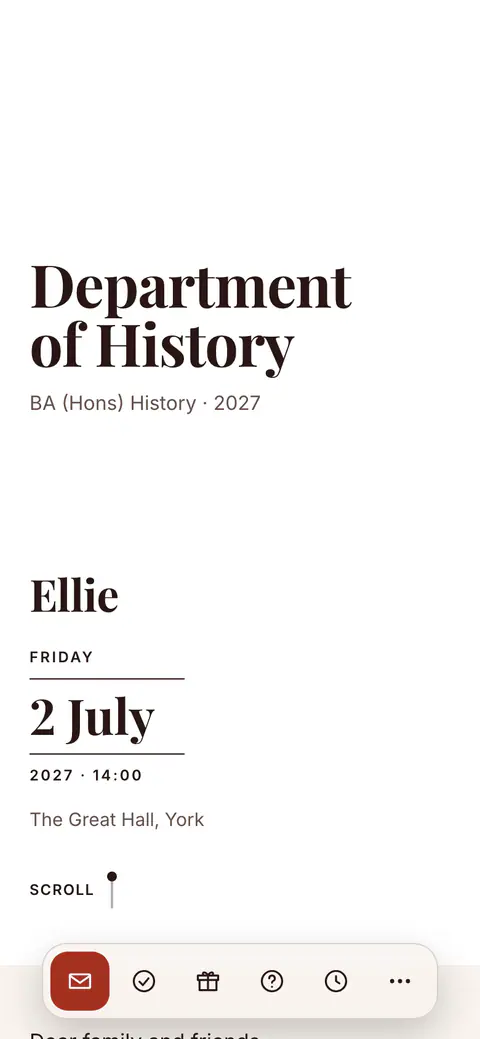
Without a photo, the cover sets the school’s name large, with the course and the year beneath. The programme, with the ceremony and the celebration, and a guest book for congratulations are ready for you to fill in.
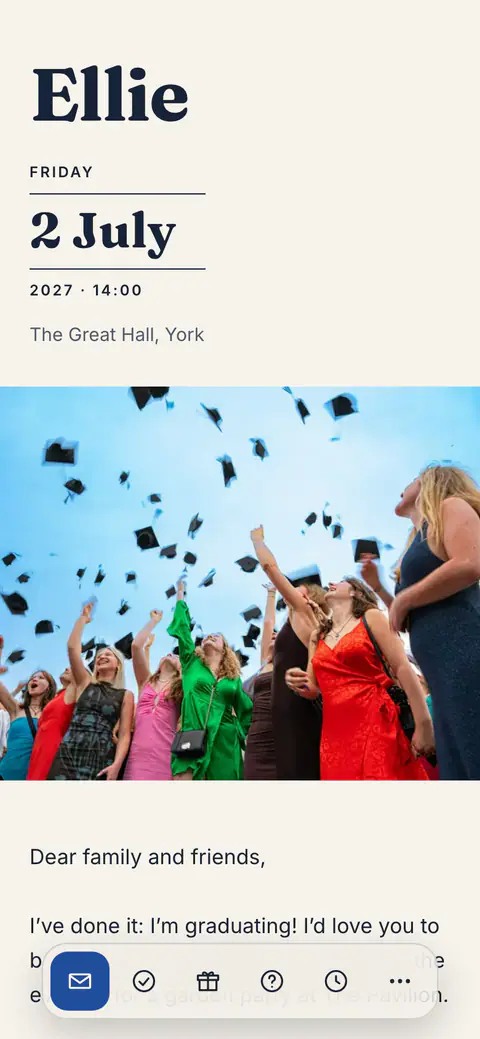
Scroll the page and try replying.
What comes with the invitation
- Formal to festive
- Mortarboard comes with four style sets: Mortarboard, Red Brick, Ivy and Black Gown, each with its own typography and colours.
- The day, scheduled
- Ceremony time, photo spot, dinner address: the guest page carries the whole day’s plan with directions, so family arrives at the right place, on time.
- A shared gallery
- Everyone photographs a graduation. The guests’ photos gather in one gallery on the guest page, and you add the good ones.
- Live headcount
- RSVPs arrive with party size, so you know exactly how many seats, plates and glasses the celebration needs.
Graduation invitations: the ceremony, the lunch and the party
In the UK the ceremony itself is the part you cannot invite many people to: tickets come from the university and are limited, so most graduation invitations are for what follows, a lunch after the ceremony, a dinner, or a garden party at the weekend. Say plainly who is invited to which part, so nobody turns up at the hall expecting a seat. If the graduate is hosting, the invitation is theirs to write; if the parents are, their names go first. Graduation invitation wording has separate lines for the ceremony and the celebration.
Ceremony dates are published months ahead, and in a university town hotels and restaurants can fill up during graduation week, so send the invitation four to six weeks before, earlier if family are travelling, and book the table before you send it. Tell guests what the day looks like: when the ceremony ends, where the photographs are taken, how long it takes to get from the hall to lunch.
One invitation can carry the whole day. With programme parts, the ceremony can be visible only to the two or three people holding tickets, while everyone else sees the lunch and the party and replies to each, so you know how many are coming to which. On the day itself the guest page puts the schedule and the photo upload first, and the gallery gathers everyone’s pictures of the gown and the certificate in one place. Relatives who cannot travel can follow along too: the schedule can carry a link to a livestream of the ceremony, if the university offers one.
Questions before you start
Should we invite people to the ceremony or only to the party?
Usually only to the celebration. Ceremony tickets are allocated by the university and are limited, so they go to the people closest to the graduate. Invite everyone else to the lunch or the party, and say on the invitation that the ceremony itself is ticketed.
Can one invitation cover a lunch and an evening party?
Yes. Programme parts give each part of the day its own time, place, capacity and reply-by date, and guests answer for each one. A part can also be shown only to the guests you choose. Programme parts are part of Premium and included in the 14-day trial.
What should guests wear to a graduation celebration?
Smart daywear for anyone at the ceremony; the graduate wears the hired gown over their own clothes. If the party later is more relaxed, or more formal, say so on the invitation, because guests coming straight from the ceremony will not have time to change.
How do we collect everyone’s photos from the day?
Open the photo gallery on the invitation page. Guests upload from their phone’s browser with nothing to install, each photo waits until you add it, and the gallery stays together in one place. Guest photo uploads are part of the paid side, which you can try for 14 days.
Can I send the invitation on WhatsApp?
Yes. The invitation is a web link, so it goes into a group chat or to each guest like any other link, with a preview of the card. The same link works by email and as a printed QR code.
Do guests need an app?
No. Guests open the link in any browser, in their own language, and reply there with their party size and dietary notes. There is nothing to install and no account to create.
What is free, and what is paid?
Designing the invitation and planning the event are free with no time limit: every design, unlimited events. Publishing the link, collecting replies and the guest site are the paid side, from €7.99 a month or €39.99 a year, with 14 days to try it. Emailing guests, the print-ready QR code, team invites, export and a custom link address belong to the subscription itself, as do the guest site’s outside links (live stream, places to stay, gift list) and bank details.
One link for the whole family
The invitation, the schedule, the directions and the RSVPs: one page that works in any browser, in nine languages.
Ready when
you are.
Create your first invitation in minutes. Planning is free with no time limit; try the guest side free for 14 days, on iPhone, Android or right in your browser.
