Party invitations
loud, or luxe.
Pick the energy, drop the link in the group chat, and let the RSVPs and song requests roll in.
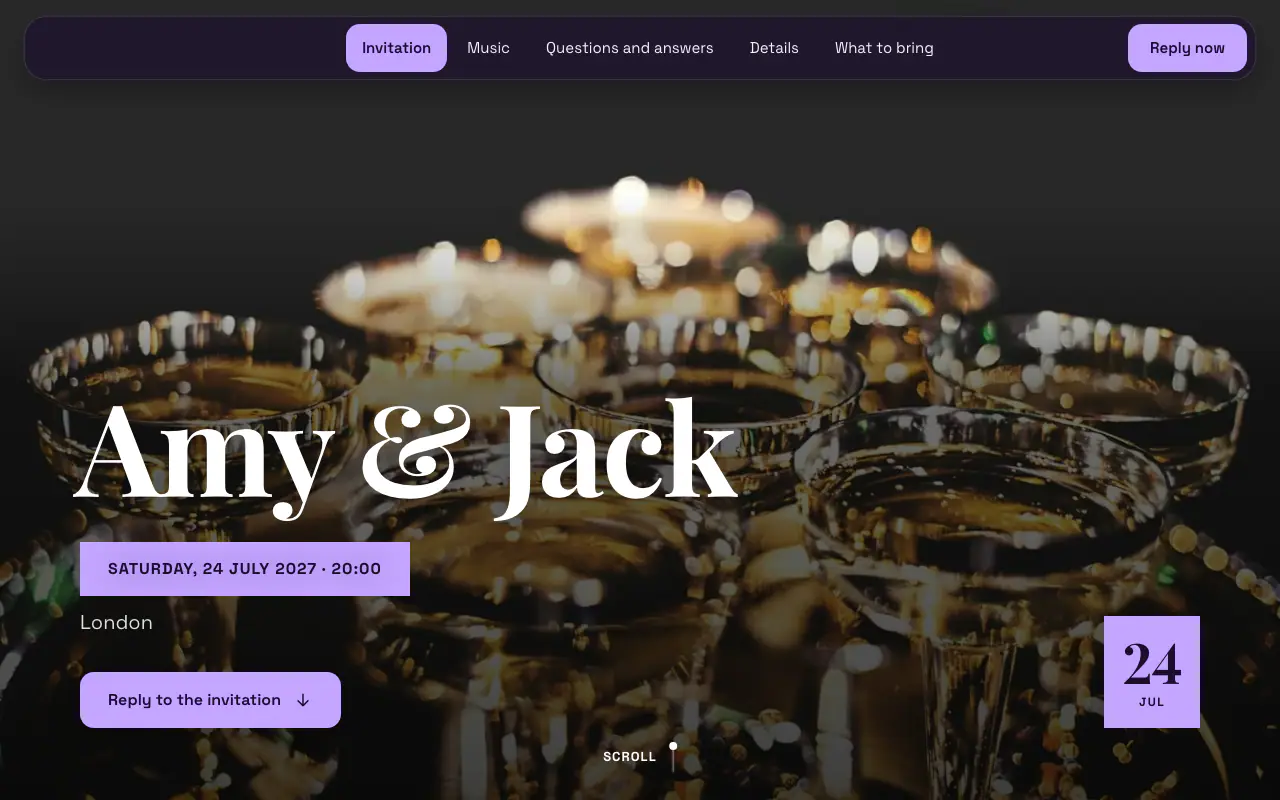
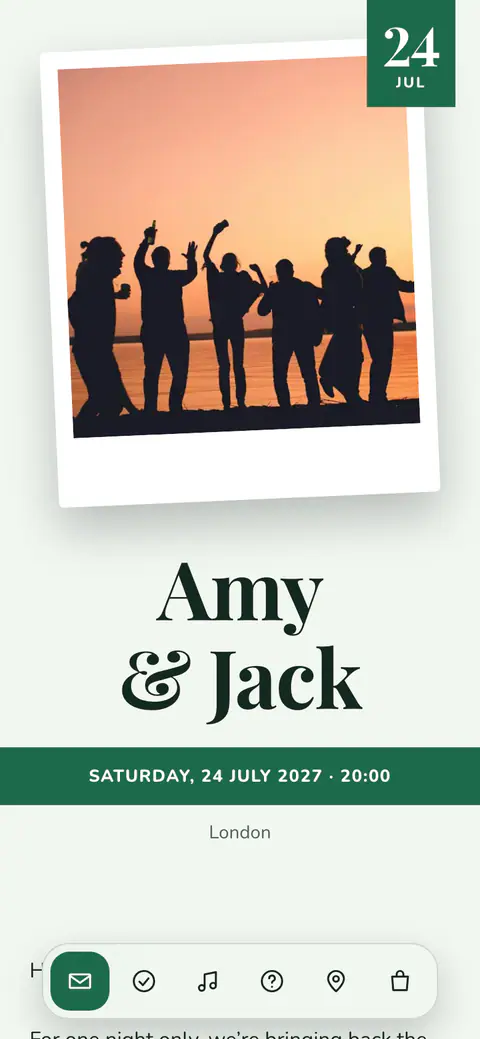
The party design
Midnight
Without a photo, the cover sets your names with a light pulsing behind them. The music and what-to-bring sections are ready, and the full address can wait until a guest replies.
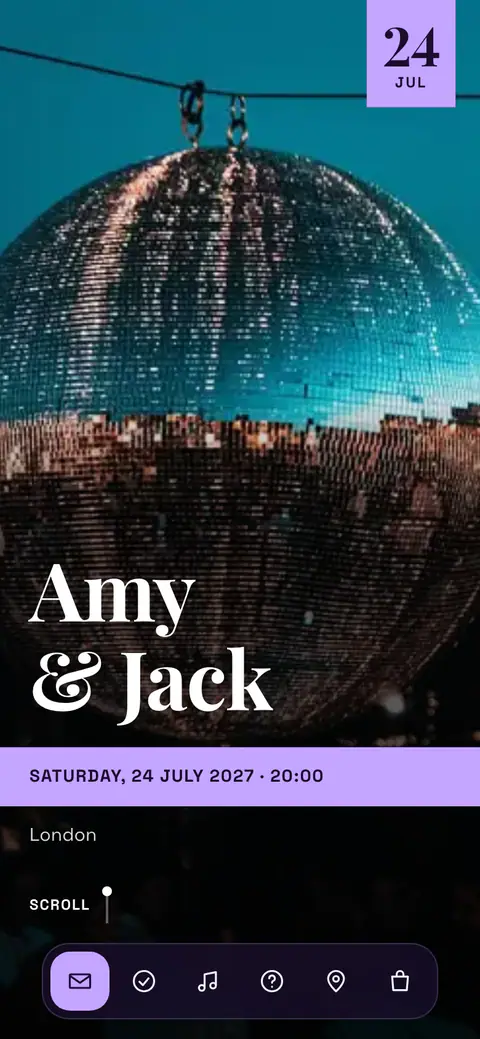
Scroll the page and try replying.
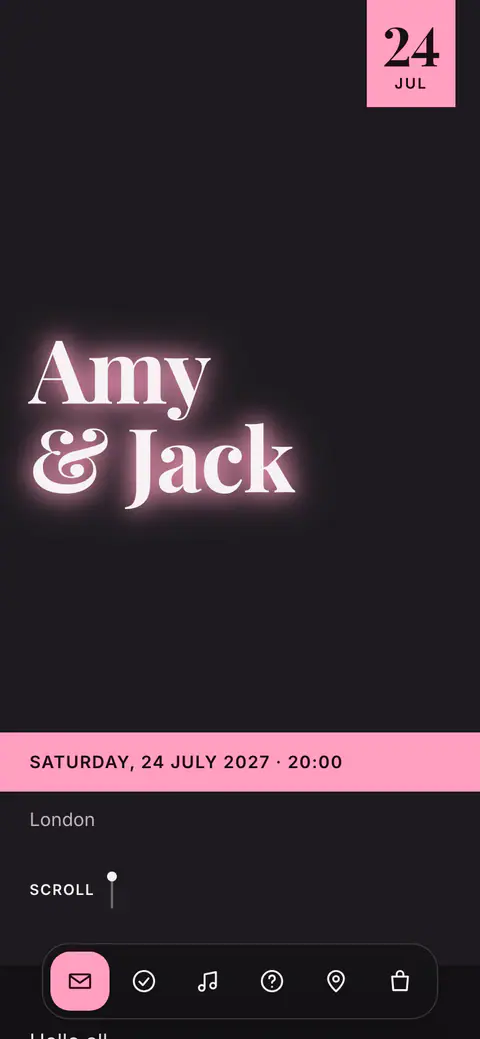
What comes with the invitation
- Statement looks
- Midnight comes with four statement style sets: Midnight, Cocktail Hour, Petrol Blue and Garden Party, each with its own typography and colours.
- The crowd builds the playlist
- Guests request songs through the planning studio; you choose the final list and keep the aux under control.
- Live numbers
- Confirmed, pending, party sizes: attendance stats update live, so you always know how big the night is getting.
- Share it anywhere
- One link for the group chat, a QR code for the poster or the story; guests open it in any browser, with no app.
Party invitations online: what to say, and when to send them
Every party invitation needs the same few facts: the day, a start time and a finish time (or a drop-in window), the address with how to get in, what to bring, the dress code or theme if there is one, and the date you need an answer by. The two most often forgotten are the finish time and whether to bring a bottle, and they are the two the group chat will ask about. Party invitation wording has the lines, from a garden party to a fancy-dress thirtieth.
A house party needs two to three weeks’ notice; a big birthday, a Christmas party or anything people travel for wants four to six, and December weekends fill up early. Drop the link in the group chat and the replies come back to one list rather than a thread of thumbs-up: the reply form asks yes or no and how many, with no “maybe”, so the people who have not decided show as not replied yet. If the neighbours are not invited, a note through their door the week before buys a lot of goodwill.
Behind the invitation sit the parts guests actually use: a playlist they can request songs for, directions that open in their own maps app, and a gallery for the photos afterwards. The headcount counts people rather than replies, so the drinks order and the food are right. Online RSVP shows what the reply form collects. For a big night, set a capacity and the reply form closes when the number the room holds is reached.
Questions before you start
How far in advance should you send party invitations?
Two to three weeks for a house party, four to six for a big birthday, a Christmas party or anything with travel. December weekends go early, so for a festive party send the invitation in November. A last-minute party works too; just say in the message why the notice is short.
Can guests reply “maybe”?
No. The reply form asks whether they are coming and how many of them, so a guest who has not decided has not replied yet. You can see exactly who that is, and nudge them nearer the day.
Can I share the invitation on Instagram or on a poster?
Yes. The invitation is a link, so it goes in a story, a bio or a group chat, and anyone holding the shared link can open it, which is why new events start with a PIN. A QR code opens the invitation without the PIN, so put it only on things you hand to guests yourself; for a public poster, print the plain link and keep the PIN on, so strangers see the design but not the date or the address. Downloading the QR code is part of Premium and not included in the trial.
How do I stop a party invitation being passed around?
Keep the PIN on: new events start with one, so someone with the shared link sees the design but not the date, the address or the details until they enter it. Send guests their personal links, which never ask for it, and set a capacity if there is a limit on numbers.
Can I send the invitation on WhatsApp?
Yes. The invitation is a web link, so it goes into a group chat or to each guest like any other link, with a preview of the card. The same link works by email and as a printed QR code.
Do guests need an app?
No. Guests open the link in any browser, in their own language, and reply there with their party size and dietary notes. There is nothing to install and no account to create.
What is free, and what is paid?
Designing the invitation and planning the event are free with no time limit: every design, unlimited events. Publishing the link, collecting replies and the guest site are the paid side, from €7.99 a month or €39.99 a year, with 14 days to try it. Emailing guests, the print-ready QR code, team invites, export and a custom link address belong to the subscription itself, as do the guest site’s outside links (live stream, places to stay, gift list) and bank details.
Make the night easy to say yes to
One tap to the invitation, one tap to RSVP, and every practical answer already on the page.
Ready when
you are.
Create your first invitation in minutes. Planning is free with no time limit; try the guest side free for 14 days, on iPhone, Android or right in your browser.
