Dinner invitations
set the table early.
A supper club, a rehearsal dinner, a long table in the garden: send an invitation that gathers dietary notes with every yes.
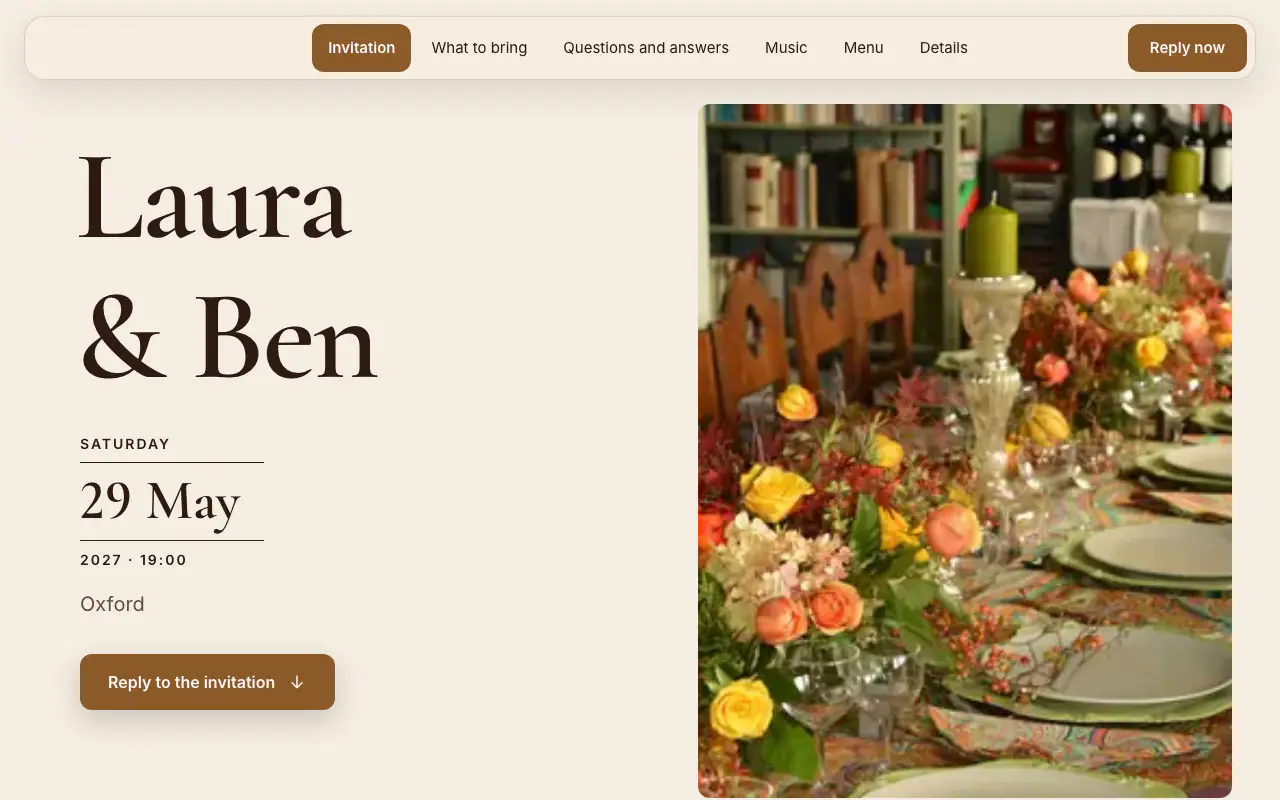
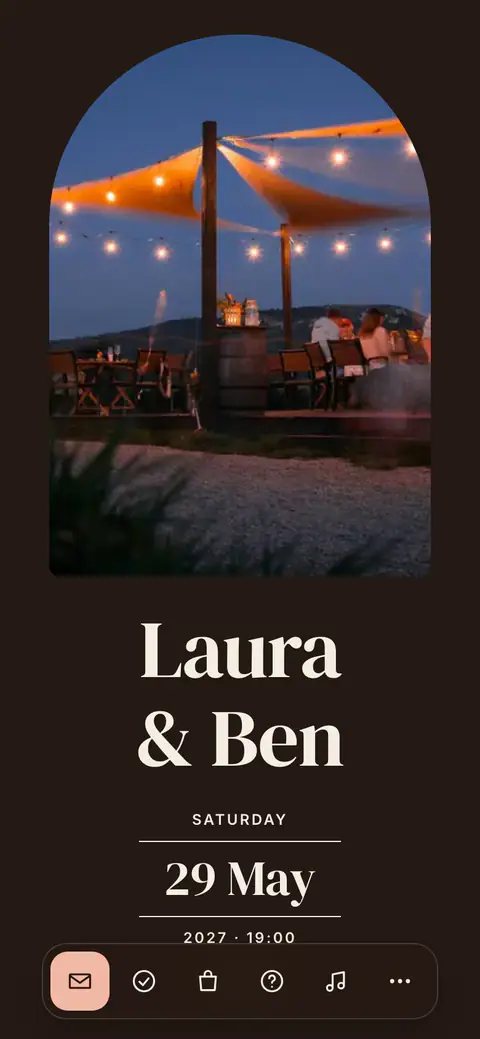
The dinner design
Candlelight
Without a photo, the cover sets your names with a candlelight flicker behind them. The menu has a section of its own, and the reply can ask each guest to choose a meal.
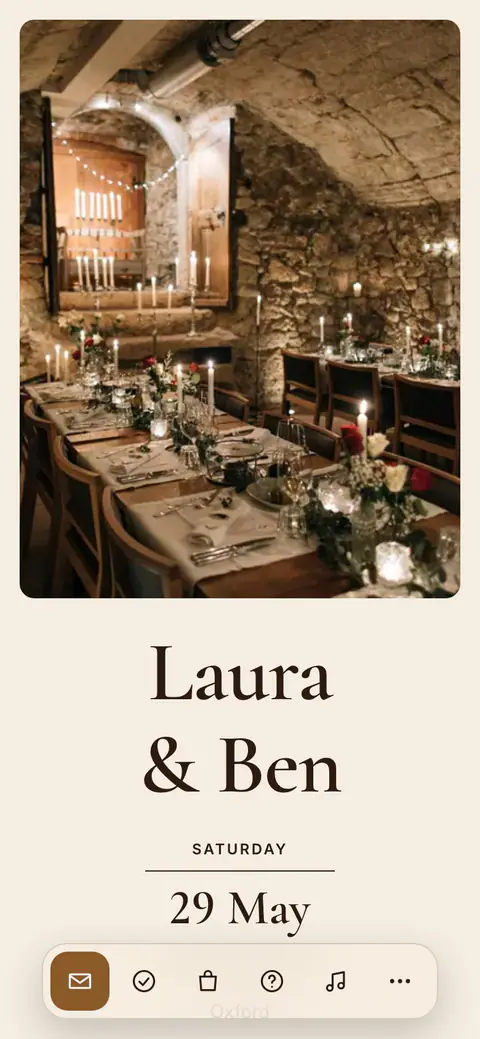
Scroll the page and try replying.
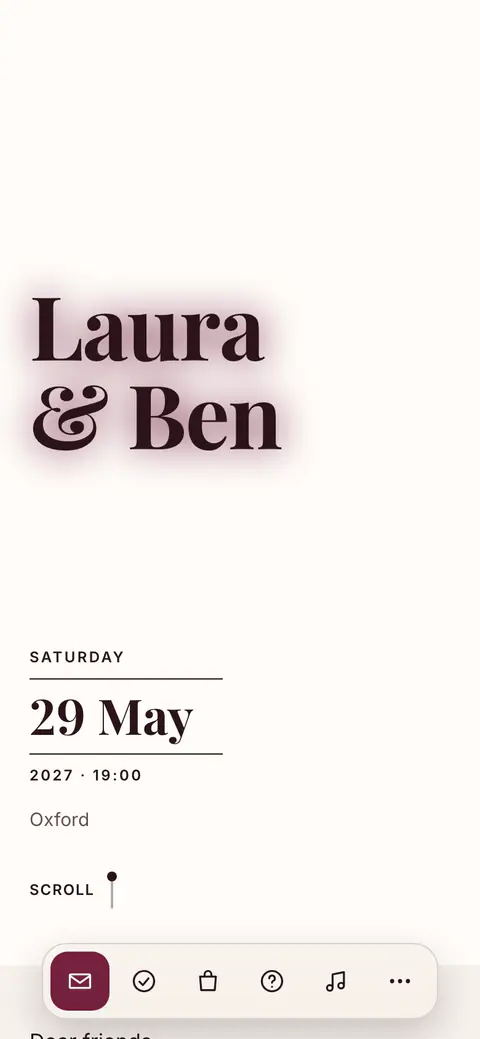
What comes with the invitation
- Warmth on the table
- Candlelight feels like the dinner it announces, in four style sets: Candlelight, Red Wine, Olive Grove and Dark Chocolate.
- Dietary notes built in
- Every RSVP asks for dietary notes, so allergies and preferences arrive before the menu is set, not at the table.
- Plan the menu
- The planning studio carries menu and dietary planning next to the guest list, so courses and constraints live side by side.
- Directions that work
- A map link and arrival notes on the guest page get everyone to the right door, which helps when the venue is your home.
Dinner party invitations: two times, one menu, every allergy
A dinner invitation carries two times, not one. “7.30 for 8” is the British way of saying it: arrive from half past seven, sit down at eight, so a guest who is ten minutes late misses a drink rather than the starter. Add the address, the kind of dinner (kitchen supper, long table in the garden, a private room in a restaurant), how smart it is, and the date you need an answer by. Dinner invitation wording has examples from the formal to the very relaxed.
Ask about dietary needs once, with the reply, rather than finding out over the starter, and pass allergies to the kitchen in the guest’s own words. If there is a set menu with choices, as at a Burns supper, a Christmas dinner or a birthday meal in a restaurant, guests who are coming can choose their dishes when they answer, and you get the totals per dish to send to the kitchen. The count is for the whole reply, so a family of three might be two lamb and one fish.
For a long table or several, the seating plan is free: draw the tables, drag guests to their places, and have a PDF emailed to you with the plan and place cards that can show each guest’s meal. A restaurant wants a firm number by a fixed day, so set your reply-by date a few days before theirs and read the total from the list, which counts people rather than replies.
Questions before you start
What does “7.30 for 8” mean on an invitation?
Arrive from 7.30, and dinner is served at 8. The half hour is for drinks and for anyone held up on the way, so the meal starts on time. Write both times whenever arrival and sitting down are not the same moment.
Can guests choose their dish in advance?
Yes. Add your menu with allergen and diet labels and turn on meal choice: guests who are coming choose when they reply, and you see the totals per dish, ready to copy for the kitchen. Meal choice is part of the paid side, which you can try for 14 days.
Can I print place cards with each guest’s meal?
Yes. The seating plan, free like all the planning, emails you a PDF with the floor plan and place cards to cut out, showing the name, the table and the meal when everyone on that reply chose the same dish. The meals come from guests’ replies, which are part of Premium.
How do I give a restaurant the final numbers?
Set your reply-by date a few days before the restaurant’s deadline. Replies close on that date, the guest list counts people rather than replies, and the dish totals can be copied as text, so the number you send is the number that sits down.
Can I send the invitation on WhatsApp?
Yes. The invitation is a web link, so it goes into a group chat or to each guest like any other link, with a preview of the card. The same link works by email and as a printed QR code.
Do guests need an app?
No. Guests open the link in any browser, in their own language, and reply there with their party size and dietary notes. There is nothing to install and no account to create.
What is free, and what is paid?
Designing the invitation and planning the event are free with no time limit: every design, unlimited events. Publishing the link, collecting replies and the guest site are the paid side, from €7.99 a month or €39.99 a year, with 14 days to try it. Emailing guests, the print-ready QR code, team invites, export and a custom link address belong to the subscription itself, as do the guest site’s outside links (live stream, places to stay, gift list) and bank details.
From invitation to seating
RSVPs, dietary notes and the table plan flow through one event, so there is no spreadsheet to reconcile before dessert.
Ready when
you are.
Create your first invitation in minutes. Planning is free with no time limit; try the guest side free for 14 days, on iPhone, Android or right in your browser.
