Ceremony
Event website
Freestyle in the Coral style set, with the No photo cover and the Flow layout.
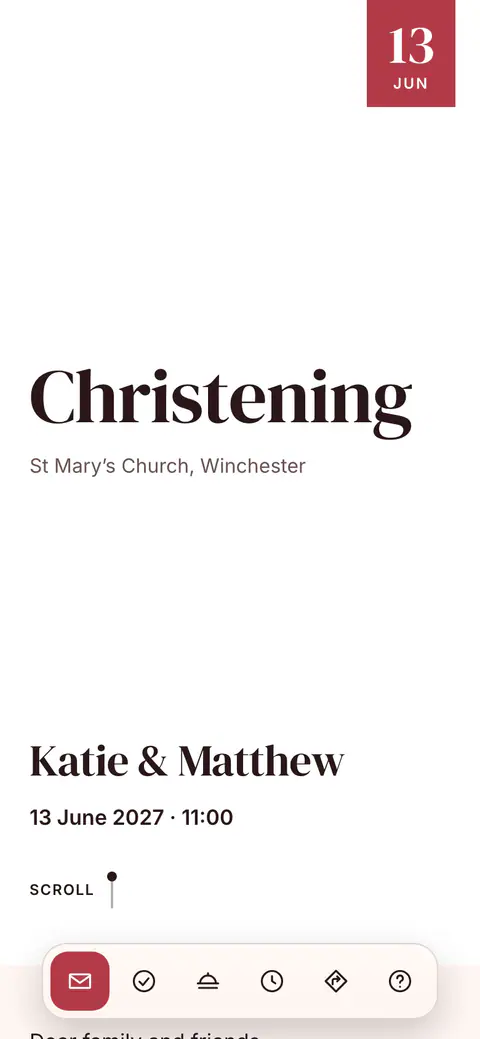
This look
- Design
- Freestyle
- Style set
- Coral
- Cover
- No photo
- Layout
- Flow
- Fonts
- DM Serif Display, Inter
- Photo
- No photo
Ceremony is now made with Freestyle, the design for any other occasion of Vowly Event’s new invitations. The Coral style set puts the headings in DM Serif Display and the text in Inter, on a light ground.
The No photo cover opens with the occasion, in the design’s own lettering. With the Flow layout everything is on one page that guests scroll down. Guests open it from one link on a phone or a computer and reply on the page.
Three layouts
The same details in the three layouts, each shown where it differs.
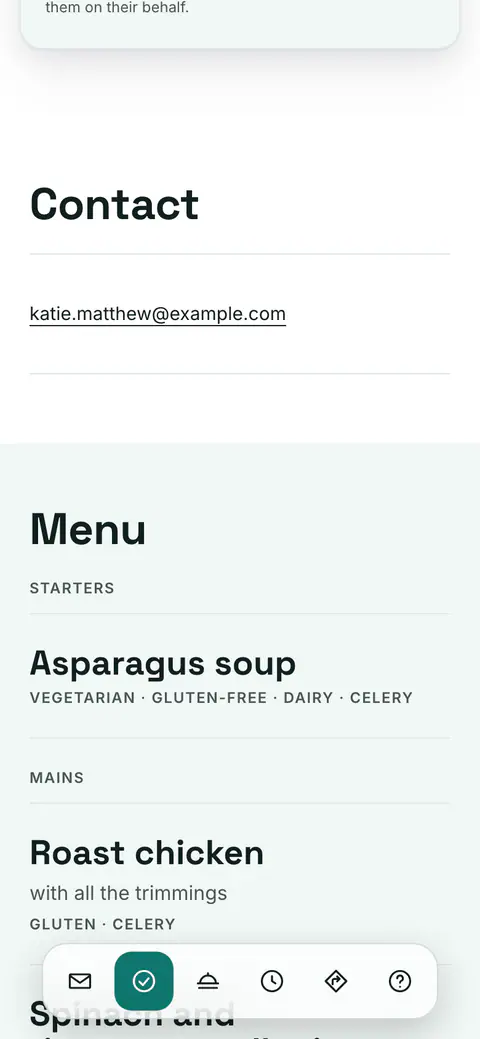 FlowOne page that guests scroll through.Freestyle style setThe layout of this look
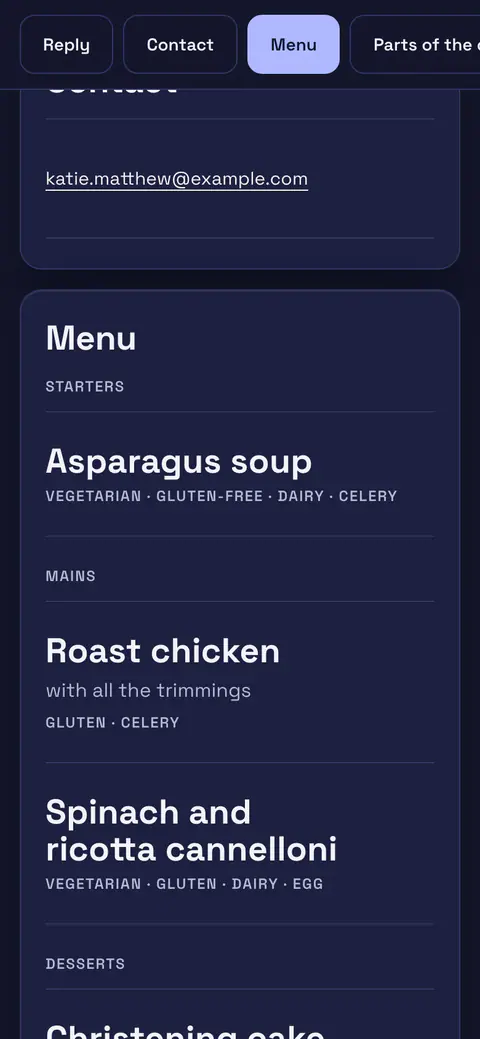 CardsA cover, then a card for each section.Indigo Night style set
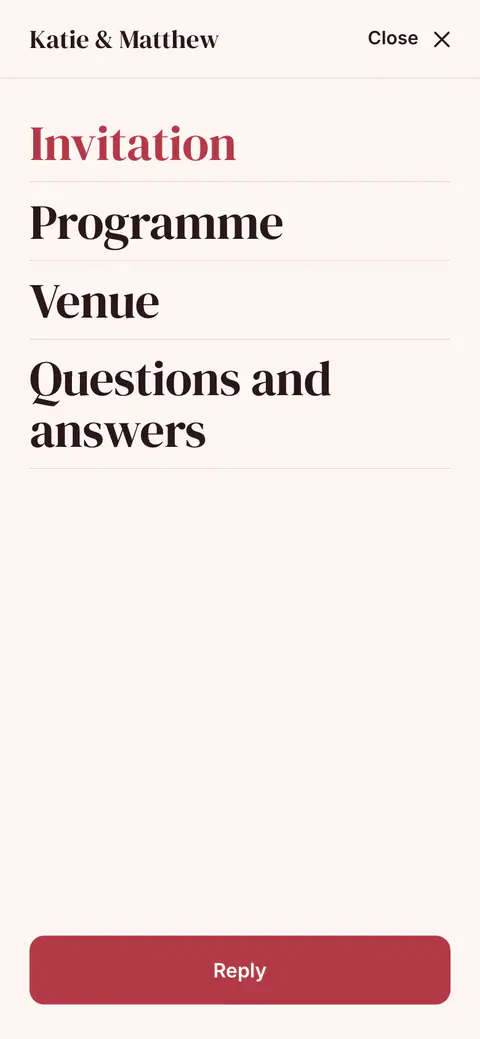 PagesA menu, with a page of its own for each section.Coral style set
Questions about Ceremony
Can I change the cover, the style set or the layout of Ceremony?
Yes. On the Invitation page in the app you can choose any of the seven covers, another style set or your own colours, and any of the three layouts. Your details and the replies stay as they are, and guests see the change once you publish it.
What does the cover show without a photo?
The occasion, large, with the place under it. Without an occasion the cover shows the day.
Invitations already published with the earlier Ceremony theme stay as they are. If you like, you can move them to the new designs on the Invitation page; nothing changes until you confirm.
More looks for this occasion
See all designs- StandardFreestyle · Freestyle · Band
- GatheringFreestyle · Indigo Night · Full bleed
- White WallFreestyle · Black & White · Split
- GalleryFreestyle · Black & White · Polaroid
- ForestFreestyle · Freestyle · Arch
- Rose GardenFreestyle · Coral · Framed
- Clean SlateFreestyle · Freestyle · Framed
- Indigo NightFreestyle · Indigo Night · Arch
- ForestFreestyle · Freestyle · Split
- Rose QuartzFreestyle · Coral · Band